
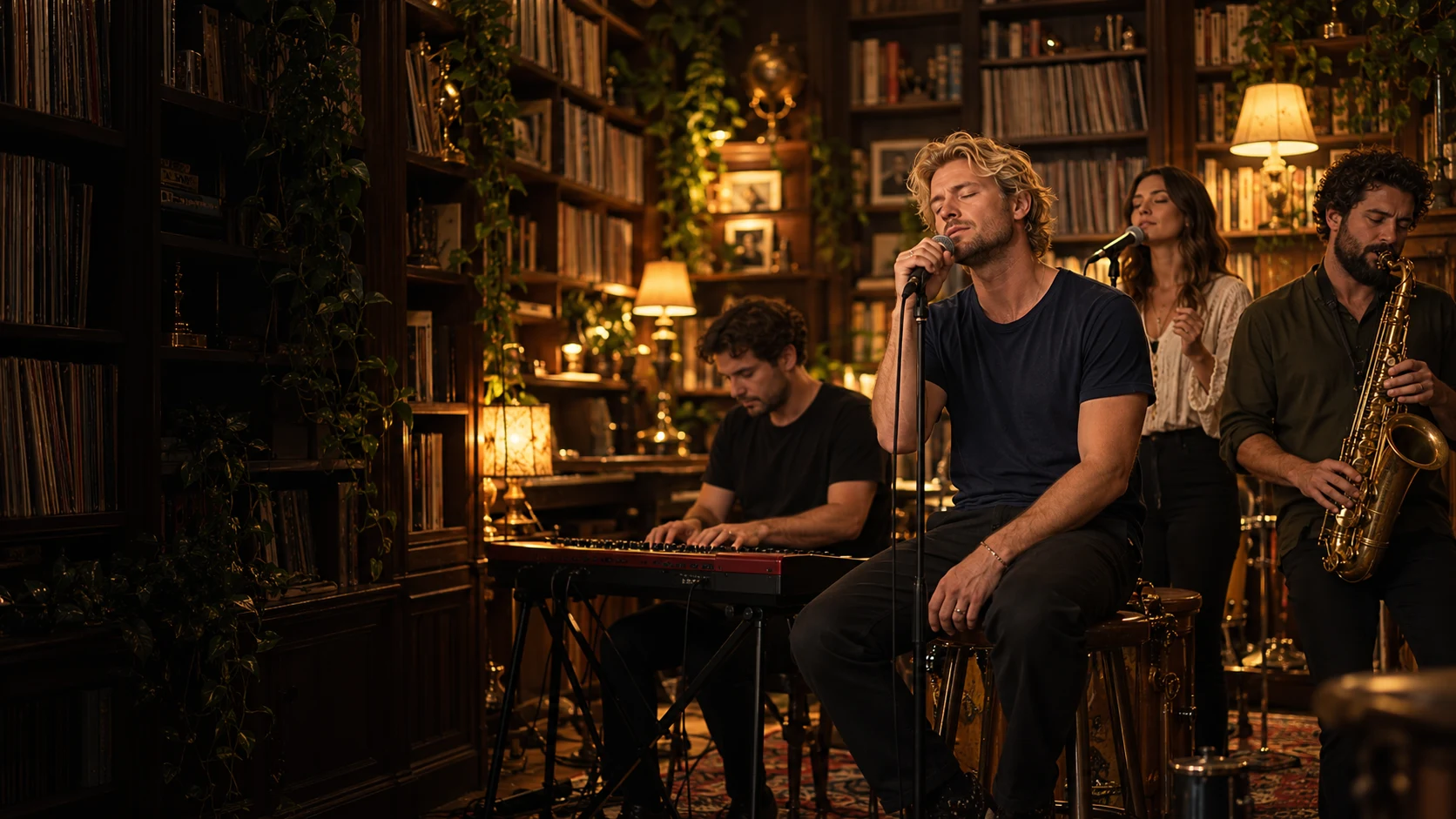
Prepare clear portraits and deliberate role assignments before spending credits. This guide covers photo selection; the creation tutorial covers the full workflow. These recommendations are not conclusions from published input-to-output comparison tests.
Start with the performance template
Open the reference examples before choosing photos. Soul Session requests a 10-second video with up to 4 replacements; Coaches Session requests 15 seconds with up to 5. Create Your Band offers a new 10 or 15-second performance. Its Solo, Duo, Band and Full Band settings use one, two, three to four and four to five portraits respectively.
Choose one clear person per photo
Use a front-facing or gently angled portrait with even lighting and a visible face. A simple background helps, but the face matters more than the room behind it. Avoid sunglasses, masks, heavy beauty filters, motion blur and tightly cropped foreheads or chins.
Each file should show one consenting adult. Group photos can make the intended subject ambiguous, especially when several faces are similar in size. Supported files are JPG, PNG or WebP up to 10 MB each and 20 MB combined.
Match photos to performer roles
Role assignment is part of the generation request. A portrait assigned to the vocalist asks for a different replacement than the same portrait assigned to the keyboardist or saxophonist. Check every position in the review step, particularly when you upload several people at once.
For the strongest lineup:
- Put the clearest, most expressive portrait in the most prominent role.
- Use photos with broadly similar lighting when building a group.
- Do not reuse a photo unintentionally across multiple performers.
- Confirm that every person agreed to appear in an AI-created scene.
Review the request before generating
Choose 9:16 or 16:9 framing, then review the template, cast and credit charge. A 10-second video costs 100 credits; a 15-second video costs 150 credits. The output is an MP4 video; facial details and motion can vary.
Soul and Coaches keep their selected template soundtrack. Create Your Band includes original AI-generated music. Neither mode provides a custom song editor or a separate license to third-party recordings.
Check the completed video
Watch the entire result with sound. Look at faces across cuts, performer placement, hands, instruments and any close-up shots. A completed result is not automatically refunded because it differs from an expectation; a new version is another generation attempt. Technical failures restore the charged credits.
Ready to begin? Open the Tiny Desk AI generator, or follow the complete step-by-step creation guide.