
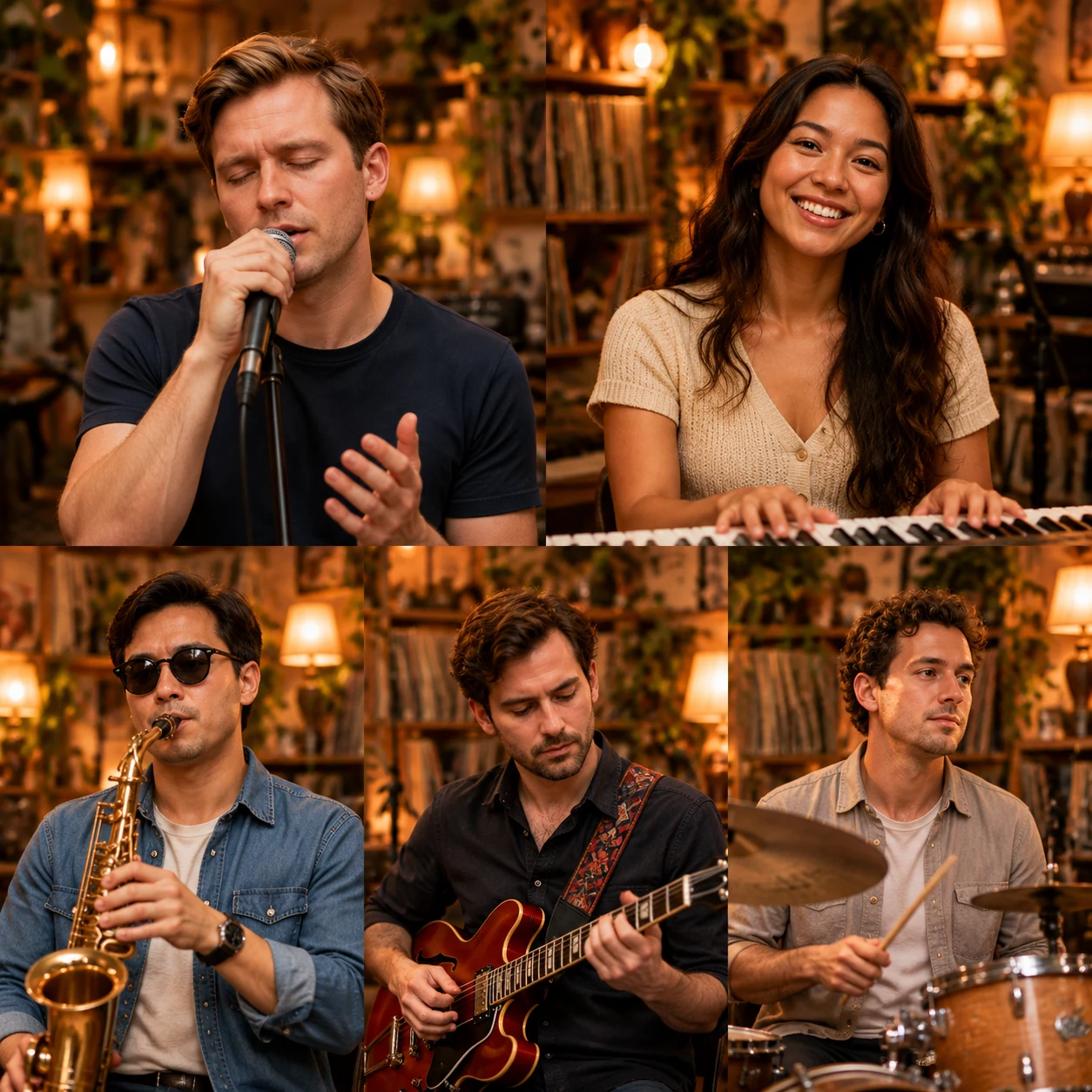
You do not need to write a text prompt. Choose a reference session to replace performers, or Create Your Band to request a new performance from preset choices. Your portraits and role assignments define the requested cast in either mode.
The template replaces the prompt
The selected performance already defines the room, instruments, camera timing, movement and original audio. Soul Session produces a 10-second result; Coaches Session produces a 15-second result. Choosing a template is therefore the most important scene-level decision.
Create Your Band is a preset new-performance mode with Solo, Duo, Band or Full Band lineups, 10 or 15-second duration choices and original AI-generated music. It does not accept free-text prompts or your own reference video. The generator is not an open-ended editor for songs, choreography or shot lists.
What you can control
The generator lets you control:
- Mode — choose Soul Session, Coaches Session or Create Your Band.
- Portraits — upload clear JPG, PNG or WebP photos of consenting adults.
- Performer mapping — assign each portrait to a supported cast position.
- Framing — choose 9:16 or 16:9 for the final video.
- Submission — review the immutable request snapshot and displayed credit charge before confirming.
The final video is an MP4 video. Facial continuity and instrument motion can vary.
What you cannot control with a prompt
The current generator does not accept free-form camera directions, custom choreography, arbitrary performer positions, an uploaded reference video or an uploaded soundtrack. Soul and Coaches keep their template audio; Create Your Band includes generated music without a custom song editor.
If you need a completely new stage, precise shot list or licensed custom soundtrack, use a general video production workflow instead of assuming that hidden prompt text will change this template.
A practical pre-generation checklist
- Preview the reference on the examples page.
- Use one clear person per photo.
- Verify every performer assignment.
- Confirm the selected aspect ratio.
- Review the current pricing and credit packs.
- Make sure you have permission to use the photos and other material.
After generation, inspect the whole result with sound before sharing. For the complete workflow, read How to Make a Tiny Desk AI Video or start in the studio.